


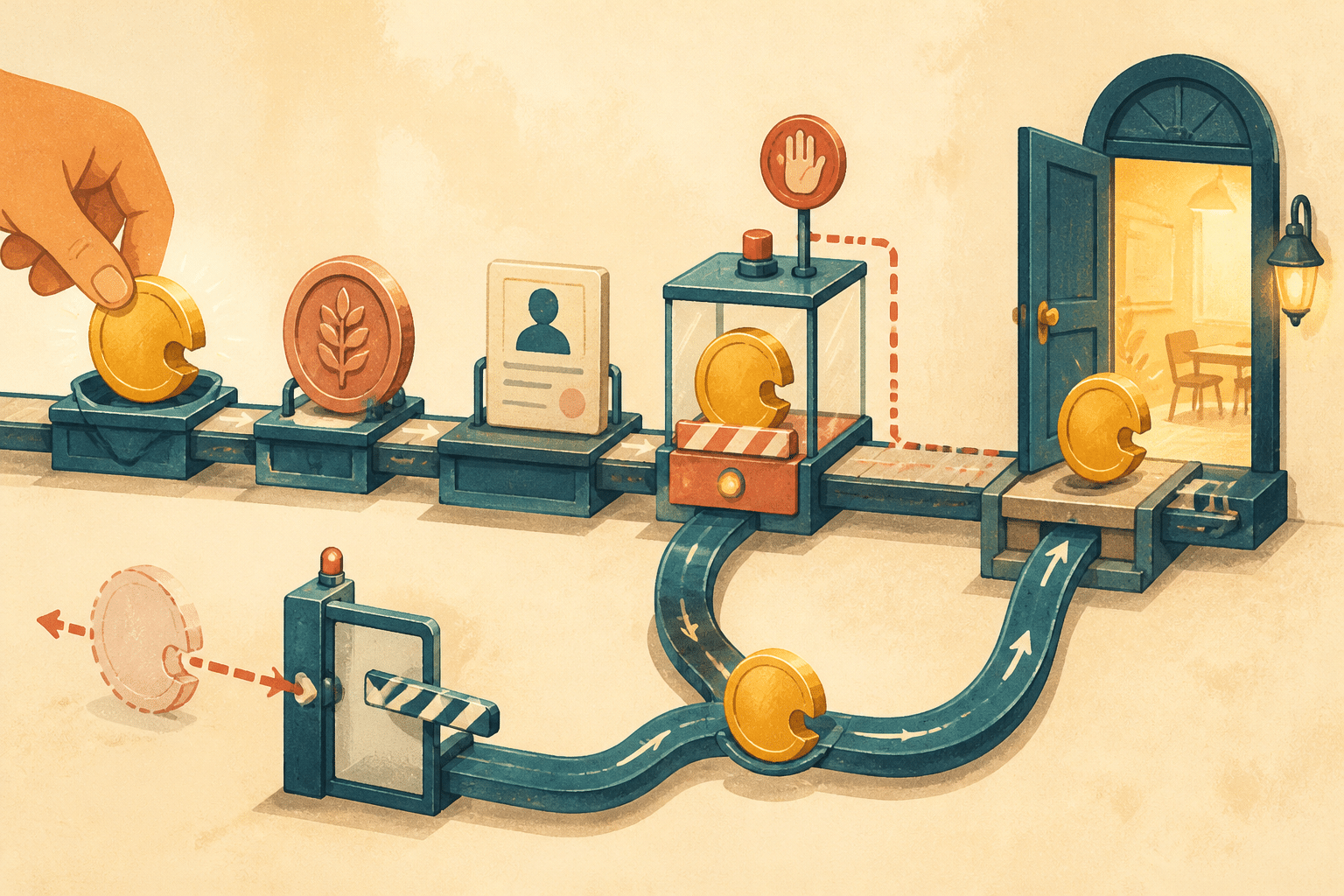
A sales workflow can confirm a payment and still leave a student waiting if a CRM update fails. When payment, enrollment, billing, and messages all depend on a single chain, a secondary problem can stop essential tasks. That’s why the question isn’t how many steps the automation has, but which ones must be completed to process a sale. Separating those responsibilities protects operations and keeps the team from having to manually reconstruct every incident.
Sales Workflow: Distinguish Critical Tasks from Secondary Ones
First, define what it means for a transaction to be processed. For an academy, this usually means the payment has a verifiable status and the student receives the access they purchased. By contrast, recording the sale in the CRM, issuing an invoice, or sending a message may be necessary tasks, but they don’t always need to block enrollment. Billing may involve specific obligations depending on how your business operates. Its priority therefore requires a business decision, not a universal technical rule.
Consider this scenario: the payment gateway confirms the payment, but the notification that was supposed to update the CRM fails. The technical fact is that a call didn’t reach its destination; the strategic decision is whether that should prevent access to the course. In many workflows, the CRM can be updated later or through a retry while the payment status and enrollment are preserved. This way, a synchronization error doesn’t hide the sale or force you to charge or enroll the student again.
A giant Zap often combines all these actions in one sequence: charge the customer, create the student record, enroll them, issue an invoice, add tags, and send messages. If each step depends on the previous one completing successfully, the process becomes coupled. For example, an email failure can prevent later steps from running, even though the payment has already been confirmed. Adding more steps to that chain doesn’t make it reliable; it only increases the number of points where it can stop.
Limit the Impact of Each Failure with Clear Boundaries
The first architecture decision is to establish a source of truth for the transaction status. This may be the system that records the payment or another component designated to maintain that status. In either case, the criteria should be explicit: what pending, confirmed, failed, or refunded means. Then, each integration should read or update the data it is responsible for. This helps you avoid assuming that a tag or a successful run represents the entire purchase.
Divide the work by responsibility. The critical workflow can confirm the payment, create or update the student record, and activate enrollment. Tasks such as syncing the CRM or sending communications, however, can run independently and have their own retries. If the CRM notification fails, log the exception and try again without reversing an enrollment that has already been completed. In addition, a verifiable reconciliation between payments and enrollments helps identify access that was never activated. Learn how to detect confirmed payments without active enrollment.

You also need to decide which errors stop the process and which can be handled later. A payment with an uncertain status requires activation to stop until it’s verified; a failure to add a CRM tag, by contrast, can usually wait. Assign each exception a status, an owner, and a next action instead of letting it disappear into the execution history. Exception management in academy automations explains how to organize statuses, retries, and owners.
Apply the NEXO Method to an academy sales workflow
Exploration
Follow a purchase from checkout through payment, enrollment, billing, and post-purchase messages. Note which system and owner are involved at each step.
Diagnosis
Identify which failures block access, where events are duplicated, and which systems hold conflicting statuses. Separate essential operations from tasks that can wait.
Design
Define a source for each status, the order of critical actions, retry rules, and owners for exceptions. An uncertain payment must be verified before access is granted; a secondary CRM update can be recovered separately.
Implementation
Separate payment and enrollment from CRM synchronization and messaging. Roll out changes in stages and test failed, delayed, and duplicate events before expanding the workflow.
Follow-up
Compare confirmed payments with active enrollments and review pending exceptions. Adjust workflow boundaries based on observed failures without turning every secondary issue into a sales blocker.
Decide What Should Keep Working When Something Fails
Before adding another step to your automation, ask which part of the student experience would be blocked if that step failed. If the answer is “nothing essential,” separate that task from the critical workflow and create a visible way to retry it or assign it to someone. If it affects payment, access, or an operational obligation, define which validation should stop the process and who will resolve the exception. This reduces the impact of a failure without confusing automation with a lack of oversight.
A reliable architecture doesn’t promise that no system will ever fail. Instead, it ensures that every failure has boundaries, a status, and a recovery path. Start by separating payment and enrollment from tasks that can wait. That decision protects the sale and gives the team room to resolve the rest with good judgment.