
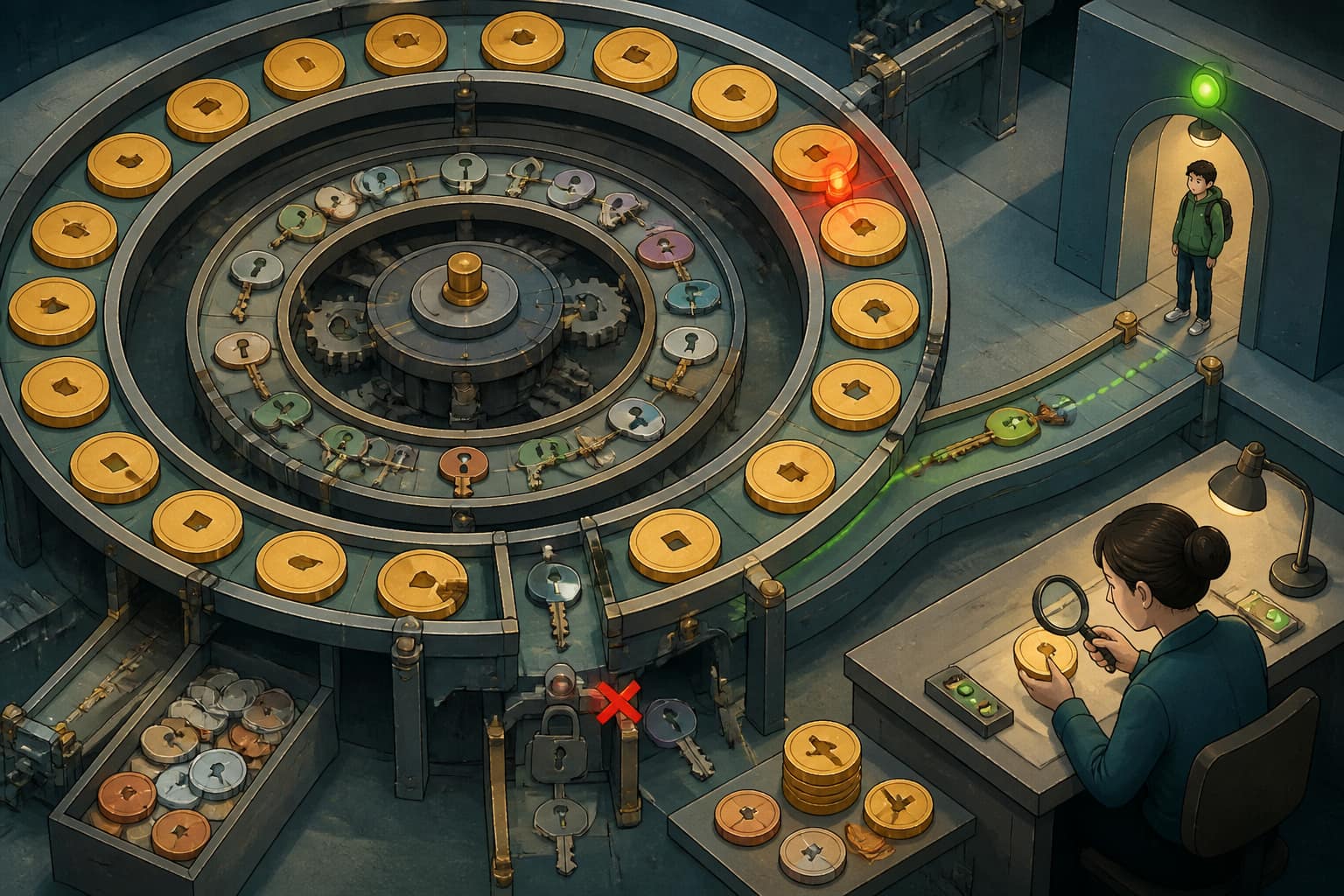


Launch spikes can turn a smooth sale into a queue of confirmed payments and pending access. They can also trigger a wave of support messages. If each automation waits for the previous one to respond, even a small delay leaves students waiting. That’s why adding steps to Zapier isn’t enough: you need to review how events flow and which processes must keep running if another one is delayed.
Why linear workflows get stuck during a launch
When sales are spread out, a task chain usually completes each step on time. First it records the payment, then updates the CRM, enrolls the student, and sends the email. During a launch, however, multiple purchases can trigger those actions almost simultaneously. External tools respond at varying speeds, and APIs may limit the number of requests they accept within a given period. If one stage is delayed, the next ones wait; if it fails, the workflow may stop or leave data outdated.
It’s like a line at a single service window: everyone depends on the person who arrived first being served. By contrast, an architecture that separates event intake from event processing lets you record the purchase and run tasks afterward, according to their priority. A queue can help distribute the workload, but it doesn’t remove API limits or fix a poorly designed process. Controlled retries and idempotency mechanisms are also necessary. That way, if the same event arrives twice, it shouldn’t create duplicate enrollments or charges.
Launch spikes: protect the student journey first
The NEXO Method turns this analysis into operational decisions. During Exploration, follow a sale from checkout through course access and the first support message. Repeat the journey under normal conditions and when many sales come in at once. This will help you see which tools are involved, what data they exchange, and where the team ends up copying information by hand.

During Diagnosis, identify which steps block others and which delays directly affect students. Then, Deep Investigation clarifies API limits, the events each platform confirms, and the consequences of repeating or losing a request. For example, a delayed CRM update may be less urgent than a pending enrollment. Still, both tasks matter.
Based on those findings, the Action Plan defines priorities and dependencies. Protect purchase confirmation and access first; then organize tasks such as updating reports or syncing tags. If the purchase status is updated late, a student might receive an abandoned-cart message after paying. That’s why purchase status synchronization after payment must reflect the actual event, rather than depend on an automation that is still in the queue.
During Execution, make changes gradually and test high-volume, delay, and error scenarios before the next launch. Define what happens when an integration doesn’t respond: how long to wait, when to retry, and how to alert the team if the process remains pending. Also, log events to identify where the workflow stopped. A robust integration won’t prevent every failure, but it will let you detect issues and recover the process without manually reviewing every sale. You can explore this approach further in this guide to recovering failed integration workflows.
Decide which process can’t be left waiting
Not every task needs to run at the same time. However, confirmation, access, and issue resolution usually have a more direct impact on the student experience than a secondary update. That priority should be reflected in the architecture, not left as an instruction for the team once delays have already started.
Start with a specific question: if a secondary integration is delayed during the next launch spike, which process must keep running? The answer will help you design a workflow that depends less on a single chain. That way, the team can support its students without every delay turning the launch into a manual review of sales.