
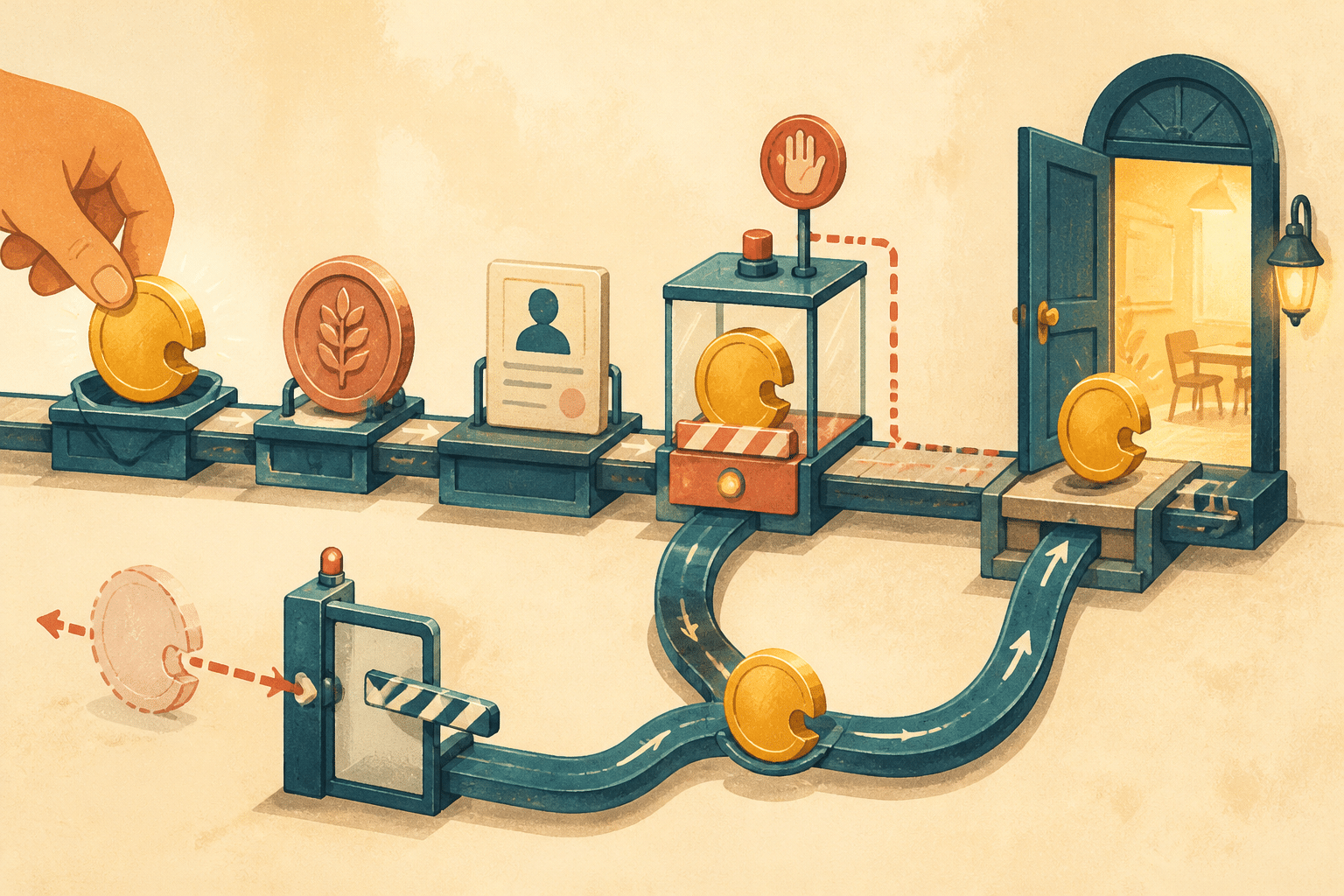

Post-purchase access can fail even when the payment processor confirms the payment. The student is charged, but does not appear as enrolled in the academy. If you only detect the problem when a message reaches support, the student becomes your alert system. Adding another patch does not close the gap. You need to verify, using auditable records, that every valid payment has a corresponding enrollment.
Payment confirmation does not prove the classroom completed enrollment
The process usually begins when the payment processor confirms a transaction and sends an event to an integration. That integration interprets the data and asks the learning platform to create or activate access. Although the student experiences this as a single purchase, these are separate steps. That is why a successful response from the endpoint that receives the webhook does not always mean the academy completed the enrollment. The event may have been accepted and then failed during processing or communication with the classroom.
Incomplete data, expired credentials, or API request limits can also play a role. During a launch, increased activity may cause delays as well. The specific cause depends on each tool’s logs; you should not assume that everything is due to a missed webhook. Some providers retry delivery if they do not receive the expected response. If the workflow repeats an enrollment without checking whether one already exists, those retries can create duplicate enrollments or inconsistent statuses.
The key technical distinction is between receiving an event and completing an operation. For retries to be safe, the process must be idempotent. This means that if it receives the same confirmation twice, it recognizes the event and avoids repeating the enrollment. To achieve this, it can use a unique payment identifier and check the enrollment status before creating or changing access.
How to verify post-purchase access without relying on support
Treat the problem as a discrepancy between two business records: confirmed payments in the payment processor and active enrollments in the academy. To compare them, link the two systems using data such as the transaction ID, the student’s email address, and the course purchased. However, an email address can change or be entered differently. For this reason, it is best to use the payment ID as the primary reference when both platforms retain it.
Next, define which cases should be compared. A confirmed payment for a course should correspond to an active enrollment for that product. A refund, cancellation, or purchase that includes multiple courses may require different rules. Reconciliation should flag exceptions, not turn every discrepancy into an automatic enrollment request. This reduces the risk of granting access by mistake or duplicating legitimate enrollments.
This periodic check serves a different purpose from real-time automation. The webhook attempts to move each purchase to the next step; reconciliation looks for what was left pending. It can also detect an event that never arrived or a process that was interrupted. Review discrepancies at a frequency appropriate to your volume and operational impact. Then alert the team if a confirmed payment has no corresponding enrollment. The goal is not to eliminate every incident, but to detect them before students have to prove they paid.
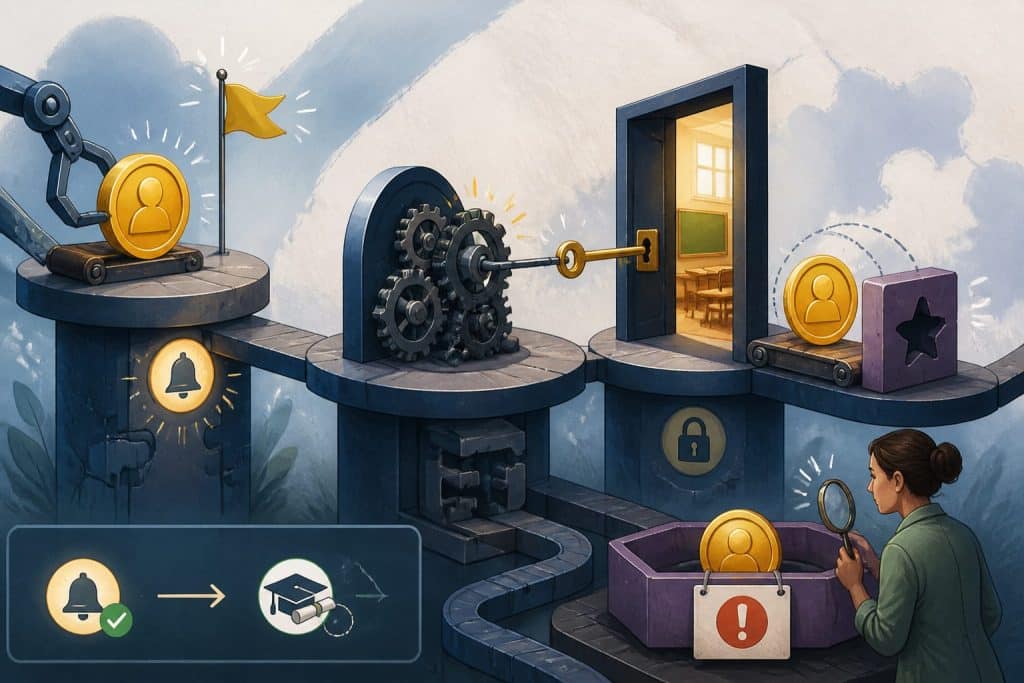
Apply the NEXO Method to close the gap
Exploration: Walk through the experience from checkout to the student’s first course access. Identify the systems involved, the message the student receives, and who handles an incident. Also consider the context. During a launch, even a brief delay can multiply support inquiries; in an evergreen funnel, the problem may go unnoticed for longer.
Diagnosis: Determine where the statuses diverge. Compare a sample of confirmed payments with enrollments, and review the available logs in the payment processor, integration, and academy. Check whether the event arrived, what response it received, and whether the enrollment request completed. This will help you distinguish a failed delivery from a data error or a later problem in the learning platform.
Deep Investigation: Review the access rules and how repeated events are handled. Check how purchases are identified and what happens if the same notification arrives twice. Also review how refunds and product changes are managed. Technical documentation and logs help confirm what actually happens. A “payment completed” label in an intermediate tool does not prove that an enrollment exists.
Action Plan: Design a reconciliation between eligible payments and active enrollments. Define criteria for excluding refunds, cancellations, and other special cases. Also specify which exceptions trigger an alert and what information it should include: transaction, student, product, and the stage that failed. To structure how these cases are handled, see this guide to managing exceptions in academy automations.
Execution: Correct discrepancies in a controlled way. Before enrolling a student, verify that the payment is still valid and that no active access already exists. Record the action and its outcome so you can distinguish a repair from a new purchase. Then run reconciliation again. This confirms that the case has been resolved in both systems.
A discrepancy needs an owner, not another patch
A chain of automations can respond quickly and still leave cases unresolved. Without a follow-up check, a stalled workflow can remain invisible to the business. managing academy automation exceptions combines event processing with a way to find and repair exceptions. That difference protects operations and keeps students from waiting without knowing what happened.
Decide who receives alerts, who validates each case, and who can authorize a repair. The founder does not need to review two platforms every day to reconstruct the status of each sale. Instead, the system should compare the records, and a designated person should handle exceptions using a clear procedure. When you can verify the relationship between payment and enrollment, your team’s peace of mind no longer depends on someone contacting support.