
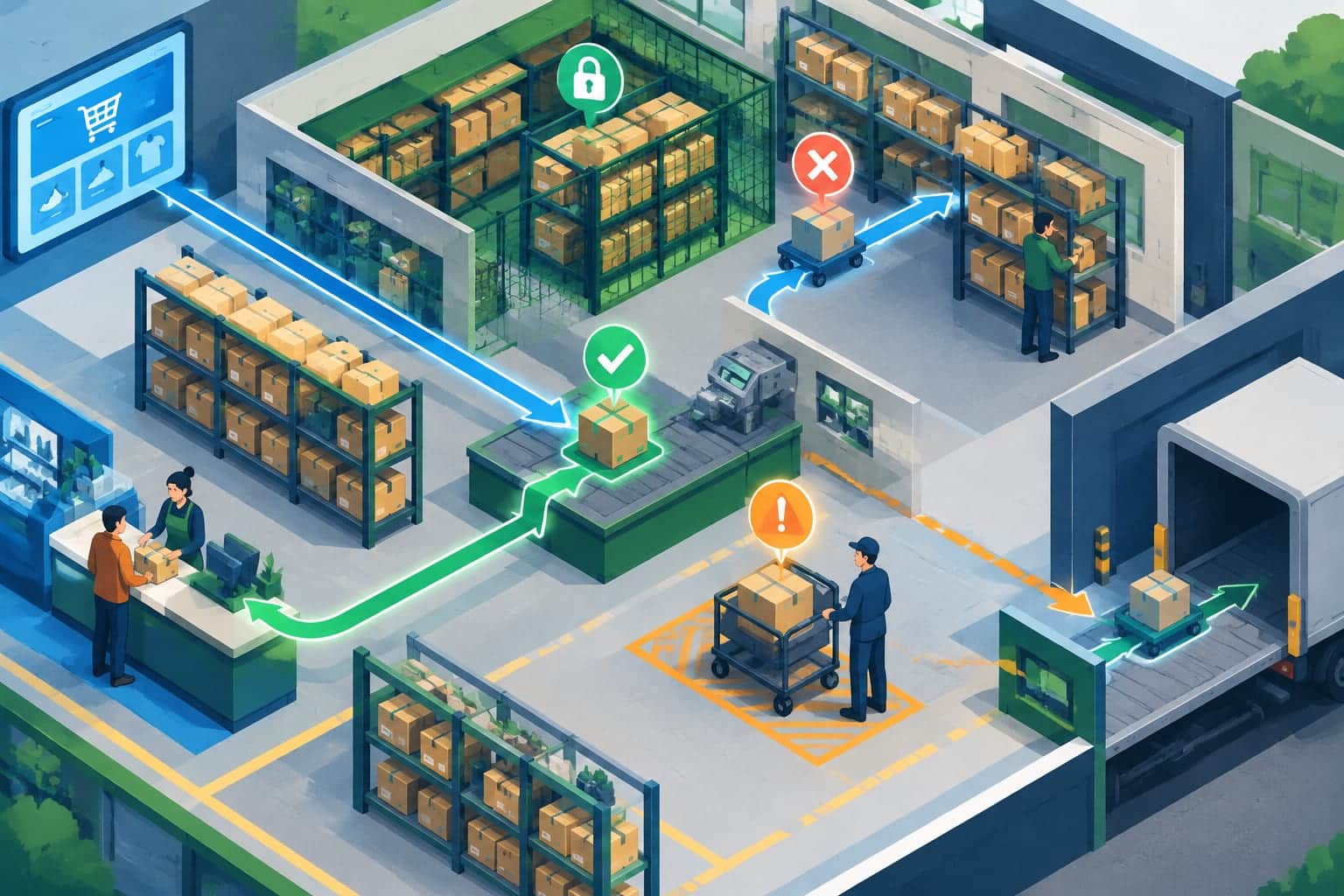

An order calls for cases, the channel records units, and the warehouse prepares a different package size. In a B2B SLA, that difference can turn a confirmed sale into a delivery that falls outside the agreed terms. The data flow may transmit a quantity or SKU that differs from what each stage expects. As a result, a penalty, return, or withheld payment could follow, depending on the contract and what occurred. To protect your accounts, track which product and quantity were promised from order placement through dispatch.
The B2B SLA also depends on how each order is interpreted
A sales unit, a packaging unit, and a logistics unit can represent different quantities of the same product. If e-commerce records individual units and the ERP expects cases, the quantity may be transmitted without the necessary conversion. Two similar codes may also be associated with the same item even though they correspond to different package sizes. The order may appear valid on screen, yet reach the warehouse with a different interpretation.
First, distinguish what happened in the data flow from its financial effect. Check what quantity and SKU the channel recorded, what the ERP received, and what appears on the label and dispatch documents. Then compare these versions with the acceptance rules in the master agreement. A delivery that falls outside specifications may lead to reverse logistics, credit memos, rework, or withheld payments. The impact depends on what was agreed and what occurred.
Find the discrepancy before attributing noncompliance
An on-time delivery metric is not enough to explain why an account files a complaint. Review the error rate at each stage, credit memos, rework costs, and outstanding payments associated with the delivery. These metrics show the impact, but do not by themselves prove where the deviation originated. The cause could be a unit conversion, an ambiguous SKU equivalency, picking, or a contractual condition that was misinterpreted.
That is why you should reconstruct the path of each order line. Compare the customer’s request with the e-commerce record, the ERP line, the picking instruction, and the dispatch receipt. Also check whether the customer uses its own matrix of products, package sizes, or acceptance criteria. This will help you distinguish an integration issue from a picking error or a rule that was not incorporated into the process.
Apply the NEXO Method to Govern Units and SKUs
Diagnosis. Gather orders with discrepancies and compare them with their ERP lines, labels, and dispatch documents. Look for patterns by customer, product, unit of measure, and package size. The goal is to find where the interpretation changes, not to assign blame before you have evidence.
In-depth investigation. Review conversions among sales units, packaging units, and logistics units, as well as SKU equivalencies. Compare this data with each customer’s terms and the contract’s acceptance rules. For example, if the order requires cases, specify how many units each package contains and which code identifies the product.
Action plan. Define a governed source of equivalencies and establish which system maintains each data point. Before confirming an order, validate that the SKU and converted quantity match the package size allowed for that customer. Also define what to do when an equivalency is missing or the data conflicts. In those cases, pausing confirmation and reviewing the order is safer than shipping based on an uncertain interpretation.
Execution. Sync e-commerce and the ERP so they share the necessary equivalencies and consistently record the promised quantity. Add controls that detect errors before the order reaches picking. Also record exceptions with an owner and a visible reason. This way, the team can resolve unusual cases without relying on Data Entry as a permanent verification step.
Validate the data before the order reaches the warehouse
For an order of cases, the pre-check should confirm which package size the customer requested, which SKU corresponds to it, and how to convert the quantity for the ERP and picking. If any data does not match, review the order before committing to delivery. Then retain evidence of what was prepared and shipped. That traceability makes it possible to investigate a dispute based on facts rather than reconstructing the case manually.
Prioritize strategic accounts and verify their product, delivery, and return rules. Synchronization between e-commerce and the ERP should protect what the contract defines, not merely move data between systems. Before confirming these orders, check that both systems recognize the same SKU and quantity. This control helps protect the SLA and operational continuity.