

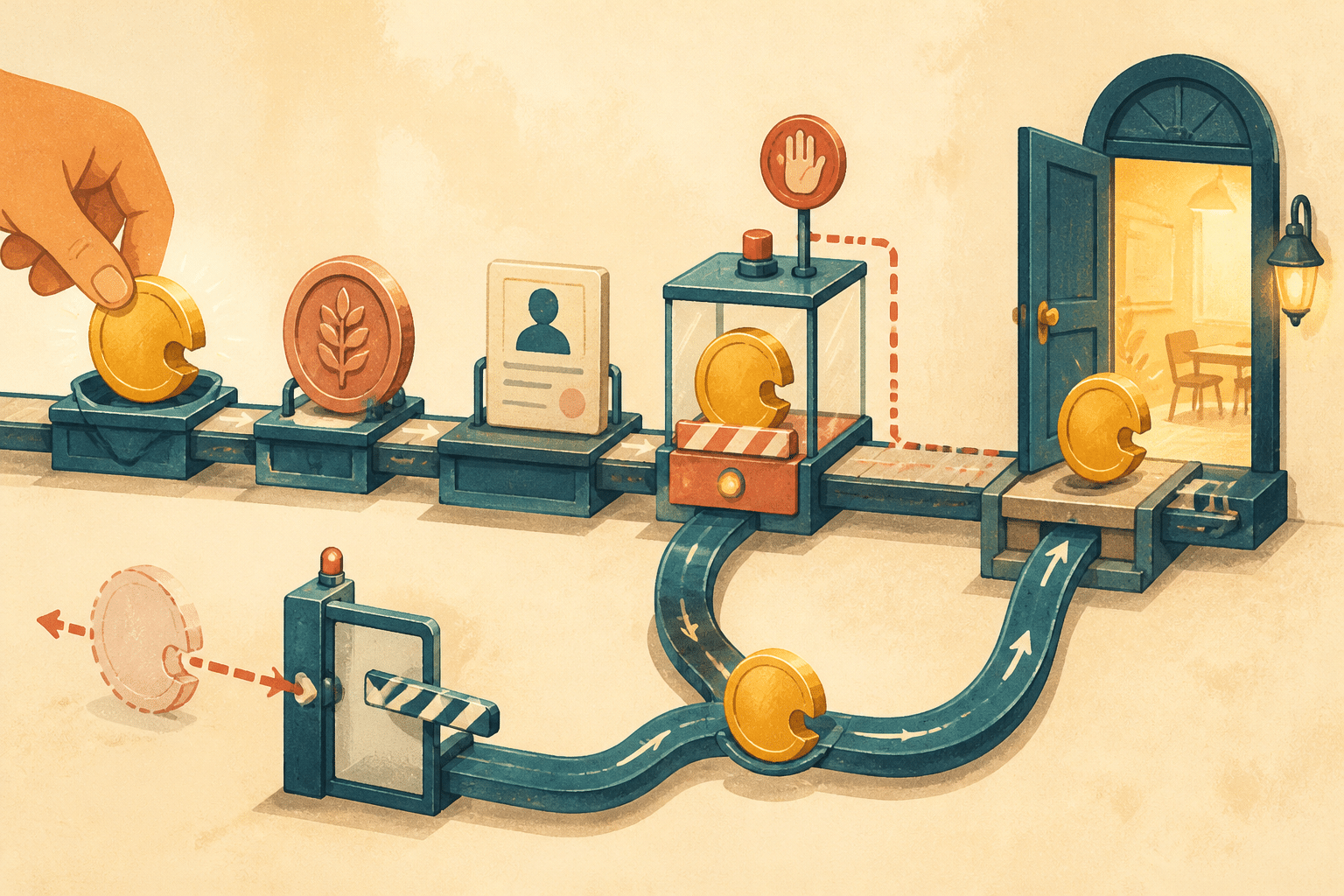

Exception handling starts when a sale is confirmed but the student does not receive access to the course. The automation recorded the payment, but left the process incomplete and without a clear owner. In a digital academy, that gap generates support tickets, manual tasks, and a loss of trust. Adding more steps to Zapier does not solve the problem if the workflow does not show where it stopped or what to do next.
Why a Linear Workflow Hides Failures
A linear workflow connects actions in sequence: it receives a payment, creates a contact, adds a tag, and enrolls the student. When every application responds as expected, the process seems sufficient. However, a failed, delayed, or incomplete response can leave different data in the payment processor, CRM, and learning platform. Without a shared record, the team has to reconstruct what happened across several tools, like searching for a missing piece in a drawer full of odds and ends.
How retries are handled also matters. If a request is repeated after a delay and the operation is not idempotent, it can create duplicate enrollments or charges. Idempotency lets an operation be repeated without producing additional effects, as long as the system is designed to recognize it. That is why retries need limits and checks; simply ordering a step to run again is not enough.
A technical error and a business exception do not mean the same thing, either. For example, an API that is temporarily unavailable can cause a technical error. By contrast, a business exception occurs when the system cannot safely determine what should happen. A declined recurring charge does not necessarily mean the subscription has ended. Before suspending access, the team needs to know the payment status and the relevant rules. You can see this distinction in the subscription cycle and the synchronization of failed payments with classroom access.
Exception Handling with Clear Statuses and Owners
A robust integration shows the status of each operation and preserves the history of attempts. That way, if a payment is confirmed but enrollment fails, the record shows that the charge was completed and access is still pending. It also shows when enrollment was attempted. With this information, the team can resolve the exception without blindly running the entire workflow. As a result, students spend less time waiting between payment and course access.
The same principle applies to billing and post-purchase support. If an invoice is not generated, the system should indicate whether information is missing, a technical error occurred, or human review is needed. The support team also needs to distinguish a confirmed purchase from a question about a pending payment. Verifiable access after purchase treats enrollment as a step that needs to be checked, not as an outcome to be taken for granted.

The shared record can live in a tool or architecture suited to the use case; it does not have to become an event queue for everything. What matters is answering three questions: What was supposed to happen? What happened? Who needs to act now? If the team only detects the failure when the student reaches out, the automation shifted the work but did not solve it.
Applying the NEXO Method to the Real Workflow
Exploration: Follow the data from checkout through enrollment, billing, and post-purchase messages. Identify which applications are involved and who needs each piece of data. Also, observe how cases that do not fit the standard process are resolved; the ideal diagram does not always reflect day-to-day work.
Diagnosis: Find the steps that do not save status, the failures no one is notified about, and the exceptions without an owner. Ask what happens if the API does not respond or a notification arrives late. Also check what happens when the payment processor records a charge but the CRM does not. This map reveals dependencies that a chain of automations can hide.
In-Depth Investigation: Review the available logs, API limits, and how each integration behaves when a step is retried. Check whether you can link a purchase to subsequent events and detect repeated operations. Technical information should explain the process, not force the team to decipher cryptic error messages.
Action Plan: Define explicit statuses, such as payment confirmed, enrollment pending, invoice failed, and review required. For each exception, agree on which automatic action is safe, when the process should stop, and who it should be escalated to. Not every case requires human intervention. However, the cases that do need it must arrive with enough context to be resolved.
Execution: Implement changes in stages and verify both normal and failure scenarios. Start with an important process, such as payment and access. Then confirm that every attempt is recorded and that alerts reach the right owner. If you need to change an automation that supports sales, a gradual automation migration reduces the risk of changing the entire workflow at once.
Before automating another step, decide how your team will know that the process has stopped and what it will do next. That answer turns a silent failure into a visible task with a status and an owner. Resilience does not mean expecting technology never to fail. It means preventing a failure from leaving your academy and its students without a clear path forward.