
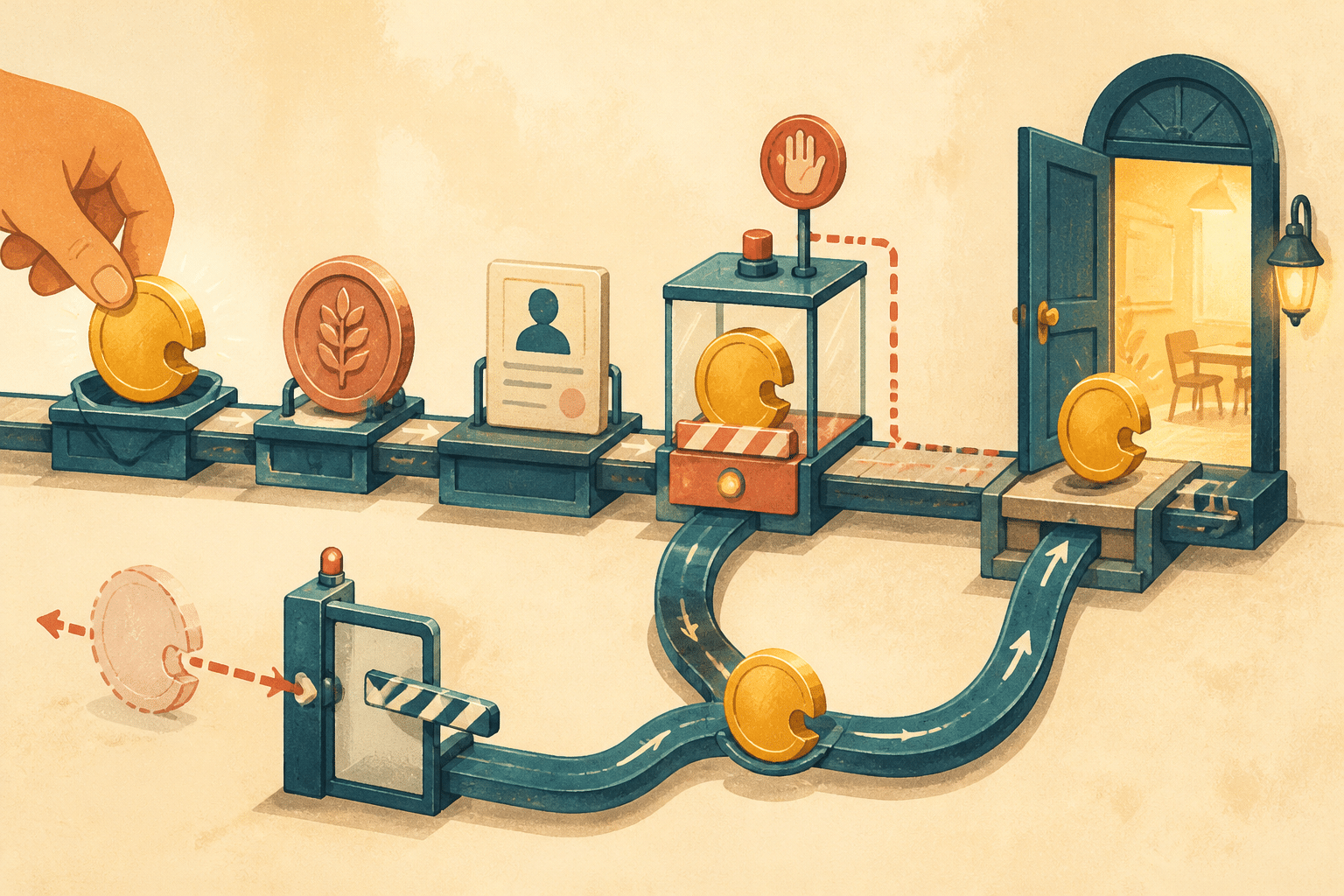

A sale is confirmed, but the student later receives an abandoned-cart email or a sales message on WhatsApp. The purchase status should change as soon as payment is confirmed, not when an automation gets around to adding a tag. If the message goes out anyway, the problem is not just communication: each system is making decisions based on different or outdated information.
This article focuses on the purchase state that should govern the next action: stop cart-related sales messages, then send the confirmation or access details the student needs. For timing, synchronization, and duplicate-event failures that can undermine suppression, see Message suppression: stop messages after a purchase.
Purchase status should govern communications
A tag such as “customer” can help with segmentation, but it does not guarantee that every tool knows the current status of a transaction. For example, the payment gateway may confirm payment before the event reaches the CRM. Meanwhile, a campaign retains an old audience, and a message remains in the send queue. By the time the tag is updated, the email may already have gone out.
That is why suppression should not depend on a one-off action that happens after the purchase. It is better to define a rule for the entire lifecycle: when a purchase is confirmed, stop cart-related sales messages. At the same time, trigger the next useful message, such as a confirmation, access instructions, or a course welcome. The goal is not to silence all communication, but to align its purpose with the student’s actual situation.
Distinguish confirmed payment from a pending purchase
To apply that rule without blocking relevant messages, the workflow must distinguish between statuses. A pending payment does not yet confirm the purchase, and a failed payment should not enroll the user as a paying student either. By contrast, a confirmed purchase should stop sales reminders. A refund requires a separate decision about access and follow-up messages.
The process can include several steps: the payment gateway reports the payment, the integration processes the event, the CRM updates the record, and the learning platform enables enrollment. Then, the messaging tool prepares or sends a campaign. If each step interprets the status independently, a delay or repeated event can generate contradictory messages. A tag alone will not fix that lag. Nor will a long chain of Zapier automations turn several independent records into a single reliable source of truth.

Check the status just before sending
An important measure is to check the current status at the latest possible point before sending. If an email is scheduled to go out in an hour, the workflow should verify that the purchase is still unconfirmed. That way, a late update can stop a message that was prepared when the person was still listed as a prospect.
It is also a good idea to process events idempotently. This means that if the same payment notification arrives twice, the system should not create two enrollments or repeat actions associated with the purchase. In addition, periodic reconciliation can compare payment, CRM, and enrollment records to detect late changes or discrepancies. Robust integrations do not prevent every failure, but they help detect problems and recover the process. Learn more about this approach in how to recover failing integration workflows.
Test the message flow before switching it on
Write down which system is authoritative for payment, enrollment, and campaign eligibility. Then test four cases: a payment confirmed before a reminder is due, a payment still pending, a failed payment, and a refund. Add a duplicate or delayed payment notification to make sure it does not create a second enrollment or leave the student in the wrong campaign. Check the messages actually sent and canceled, not just the tags recorded in the CRM. The NEXO Method helps organize this review, but the test cases should reflect your checkout and learning platform.