
If you have to open your payment processor, billing system, and CRM to find out what money has come in, payment reconciliation depends too much on you. Each system shows a different piece of the picture, and someone has to manually reconstruct the status of every installment. That task takes up management time. It can also delay follow-up on failed payments and weaken cash flow forecasting.
From checking platforms to distinguishing payment statuses
Issuing an invoice does not mean the money is already in your account. Likewise, a failed payment does not always mean the customer canceled the service. If all these situations share a single label, the team cannot tell whether to wait, contact the customer, or investigate a discrepancy.
That is why the workflow needs to distinguish confirmed payments, pending installments, failed attempts, and discrepancies between records. The payment processor reports the payment event; billing records the document, and the CRM provides context about the customer relationship. When that data is not connected, you might mark a pending invoice as paid or miss an installment that requires follow-up.
The cost is not just administrative. A late notice can make the conversation with the customer more difficult. And a forecast based on invoices rather than confirmed payments can distort your cash flow decisions. The answer is not to check the platforms more often, but to define what each status means and what action it requires.
Payment reconciliation for managing exceptions
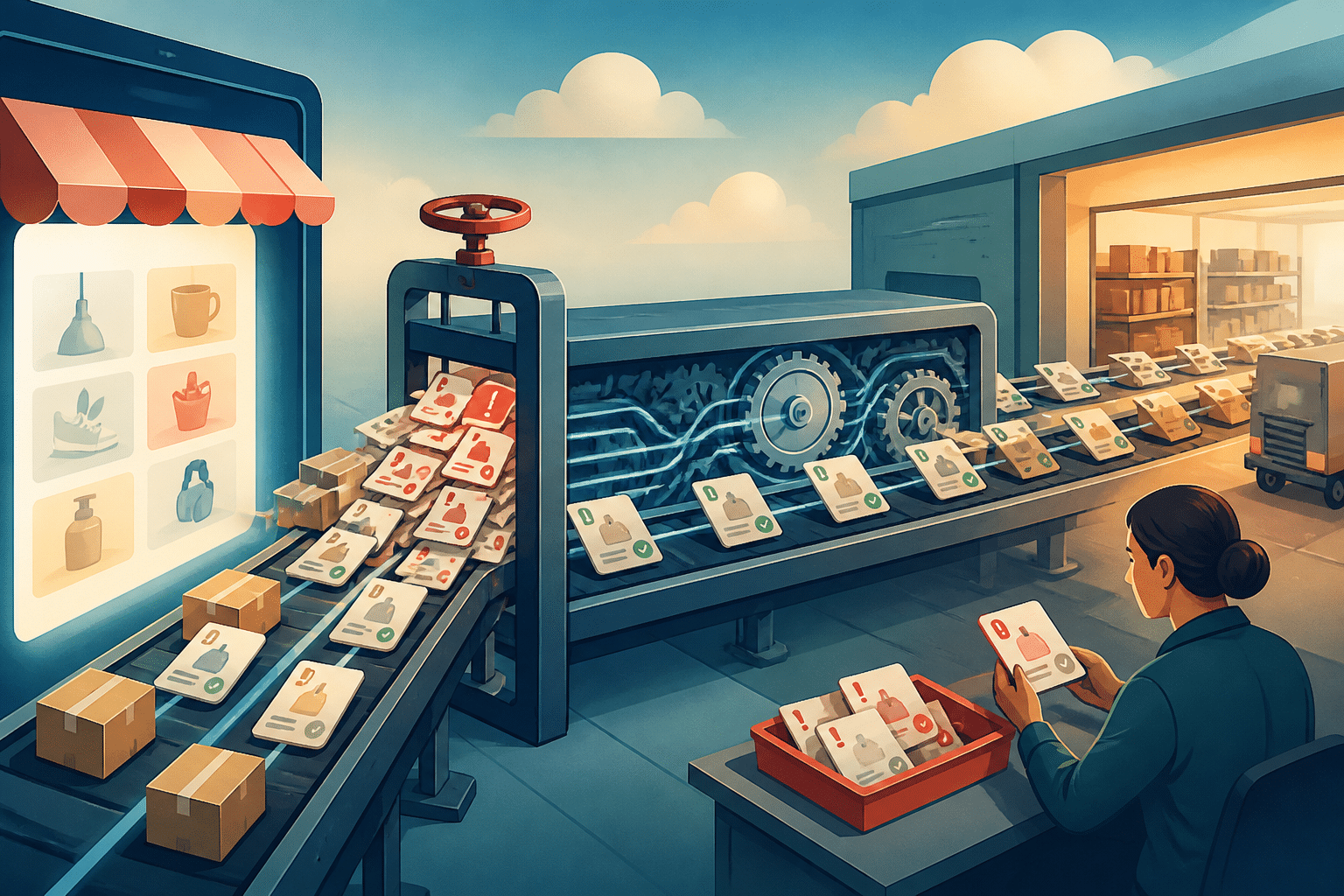
Automation does not mean turning every event into a blind action. Clear-cut cases can move forward without intervention. For example, a confirmed payment can update the relevant status and trigger the planned steps for that service. By contrast, a failed installment, an unmatched payment, or two incompatible records should go into an exceptions queue. Each case needs an owner and a resolution criterion.
This distinction avoids two common stopgap solutions. A manual spreadsheet can serve as a temporary aid, but it does not fix discrepancies between systems or ensure that someone records every change. On the other hand, an “all-in-one” suite does not solve the problem if its statuses, rules, and responsibilities are left undefined.
Before connecting tools, decide who acts when a payment fails. Define how long to wait before contacting the customer and which event authorizes the service to begin. Also establish what to do if the payment processor confirms a payment but the invoice or CRM is not updated. That way, automation handles predictable cases while the team can exercise judgment when anomalies arise.
Using the NEXO Method to connect payments, billing, and CRM
The NEXO Method organizes the work before you build automations. During Exploration, you trace the actual payment process from the commercial agreement through installment follow-up. Looking at the ideal diagram is not enough: you need to identify what the team checks today and where the founder gets involved.
During Diagnosis, you identify where a status gets lost or contradicted. The payment processor might confirm a transaction, but the data never reaches the CRM. Or the invoice may be issued correctly, while no one records whether it was paid. Separating the events helps uncover the root cause instead of adding another label or reminder.
In-depth Research reviews the available integrations, the rules for distinguishing events, and the people responsible for each exception. The Action Plan then defines how to connect the payment processor, billing system, and CRM. It also determines which data takes precedence when there is a discrepancy and how to notify people about each case. Finally, Execution implements the workflow and tests it with confirmed payments, pending installments, failed payments, and conflicting statuses.
Testing and follow-up matter because an integration can transmit information without resolving what decision to make. So check what happens if an event does not arrive or records do not match. If the change involves modifying an automation that already supports sales, a gradual migration of sales automation lets you make the change without abruptly shutting down the existing workflow.
A reliable workflow separates payments from invoices
The system should show what money has been confirmed, which installments are still pending, and which situations need review. This visibility improves customer conversations and provides a more useful basis for planning. However, it does not replace financial judgment or guarantee that cash will be available.
Payment reconciliation connected to cash flow helps ensure that follow-up does not depend on the founder’s memory. The goal is not to eliminate all human intervention, but to reserve it for cases that require a decision. If you still have to connect systems and chase down statuses for every installment, you are still overseeing a job that depends on you. When the process distinguishes events and manages exceptions, you start building a company that can operate without your constant supervision.