
Your evergreen funnel is still selling, but every adjustment feels like a gamble. A small change can affect sales, billing, or enrollments. A gradual migration reduces that risk without abruptly shutting down the flow that keeps your operation running. It’s not about copying a No-Code sequence into another tool, but about separating responsibilities and validating each stage before incorporating it into the new system.
Why a gradual migration reduces risk
In a monolithic automation, the same sequence often receives data, applies business rules, and sends information to several tools. If an intermediate step fails, it can be hard to tell what happened and which actions were completed. Rules and data may also be spread across automations, tags, and spreadsheets. As a result, fixing one exception can sometimes have unexpected effects on other processes.
The problem isn’t necessarily No-Code, but coupling. Several responsibilities depend on a sequence that’s difficult to inspect, so a change can affect parts that seem independent. Replacing everything at once trades a known dependency for several unknowns. By contrast, a phased transition limits the scope of errors and preserves a way to return to the previous flow while you validate the new one.
Exploration: document the flow that actually runs
The NEXO Method begins by exploring the actual customer journey, not the original diagram. Follow a typical case from the moment someone enters the funnel until they buy and receive what they’re supposed to. Note which tool starts each action, what data it sends, and who steps in if something goes wrong. This will let you compare the documented process with the work your team does every day.
Include the exceptions currently handled manually: incomplete registrations, email changes, purchases that require review, or contacts who already existed in the CRM. Don’t assume every case can be automated. First, identify who detects it and what information they need to make a decision. This list makes invisible work visible and prevents you from designing a replacement based on an overly idealized version of the process.
Diagnosis: define responsibilities and sources of truth
In the Diagnosis stage, define the boundaries of the processes and clarify which system is responsible for each piece of data. For example, the CRM may be the source of truth for a contact’s sales status, while the learning platform manages learning information. The right choice depends on your operation. What matters is preventing two systems from changing the same data without a clear rule for resolving differences.
Next, map the dependencies: which event triggers each action, which conditions are evaluated, and what happens if information is missing or a tool doesn’t respond. A spreadsheet can be useful for documenting the map. However, for convenience, it shouldn’t become an operational database with rules that no one maintains. With responsibilities clearly defined, it will be easier to decide which part to decouple first.

Research and planning: choose a low-risk first stage
In-depth Research means checking each stage against real data and cases. Review required fields, formats, duplicate rules, and errors that require manual intervention. Also check what signals each tool leaves behind when an action fails. If you can’t tell whether a step ran, you’ll have to ask, inspect screens, or reconstruct what happened from memory.
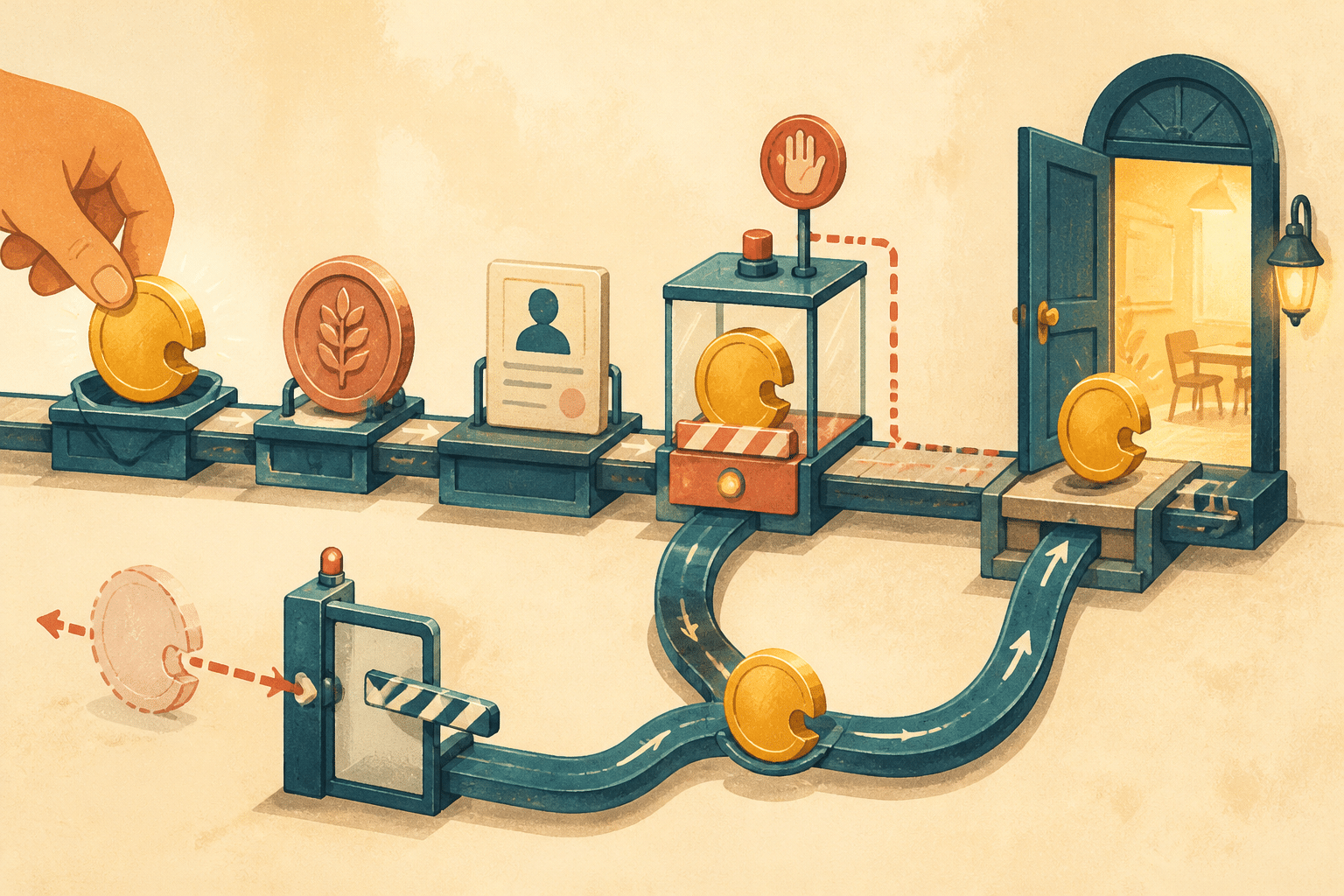
Then, design the Action Plan around capabilities, not tools. Instead of migrating the entire funnel, separate out a clearly defined task. For example, you can prepare and validate the data a purchase needs before another system processes it. Choose a stage where failures are detectable and the impact can be contained. Define how you’ll check that it’s working, which errors you’ll log, and who will handle exceptions while both flows are running.
Execution: validate before retiring the previous flow
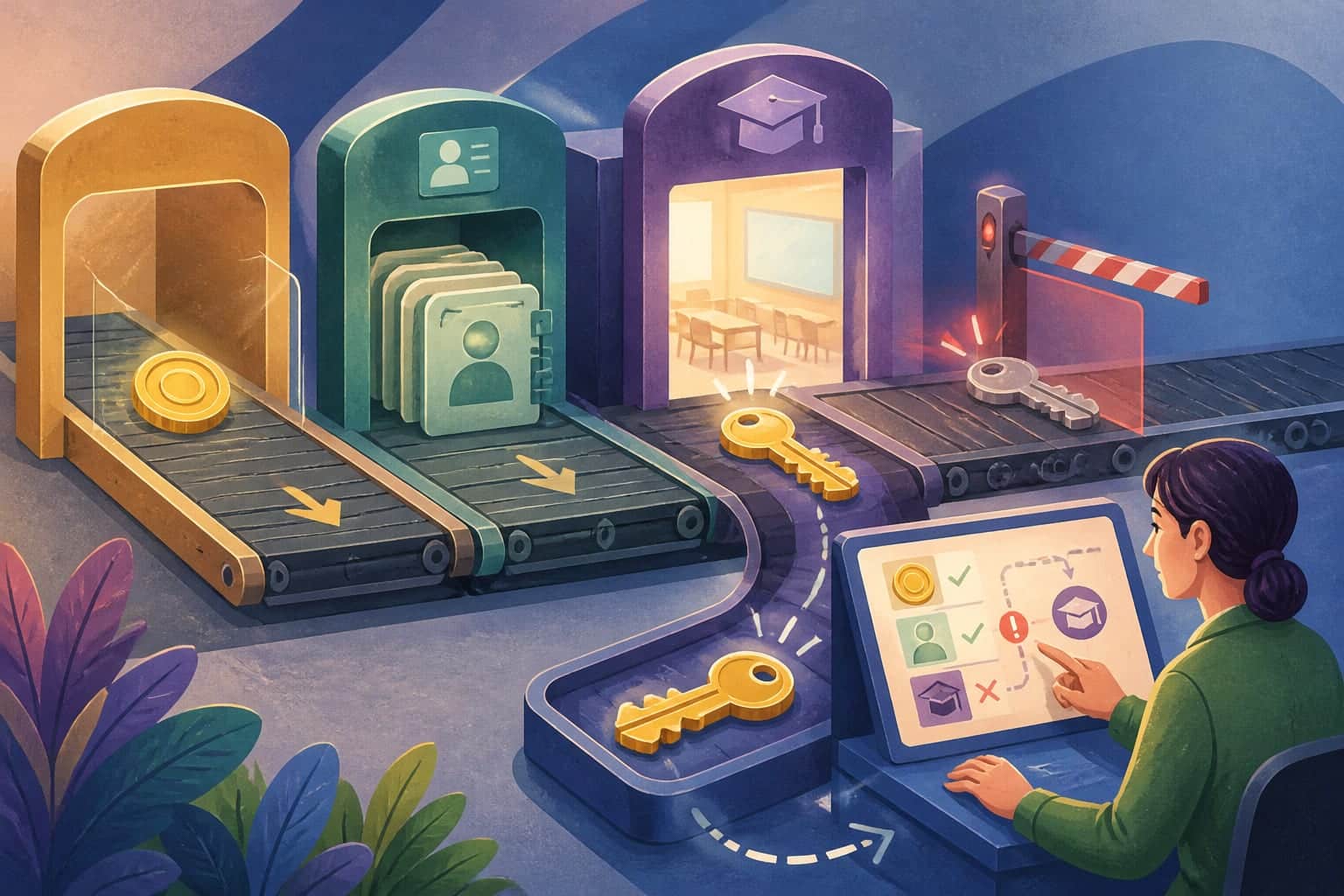
During Execution, test the new stage with representative cases. Then compare its results with those of the current process. If possible, first observe what the new logic would have done without allowing it to take actions that duplicate those of the existing system. Then activate its responsibility on a limited basis and verify the results against criteria defined before the change. It’s not enough for it to “seem to work.”
Log failures with enough context to identify the step, the data, and the likely cause. Set a condition for stopping or rolling back the change, and assign someone to manage exceptions. A rollback isn’t a failure; it’s a control measure. If a change affects the sales flow, temporarily returning to the previous version can protect the operation. That way, you can investigate without improvising with production data.
Retire the previous process only when the new stage passes validation. Then repeat the work with the next capability and update the map as you discover dependencies. Robust integrations and failure recovery share a practical idea: it’s not enough to hope nothing goes wrong. The system should also help detect and contain problems.
Stability comes from limiting the scope of failure
A gradual migration doesn’t immediately eliminate all manual work or automate every exception. It does make it possible to know which system is responsible for each piece of data, which stage is under control, and who acts when a rule doesn’t cover a real-world case. For an academy, that clarity protects sales continuity and the experience of people who buy and expect a consistent response.
Before replacing the entire sequence, choose a small stage that you can observe, validate, and roll back. That first separation will give you evidence about the current architecture and a safer starting point for the next change. The goal isn’t to add tools, but to prevent one isolated failure from turning the whole team into a rescue department.