
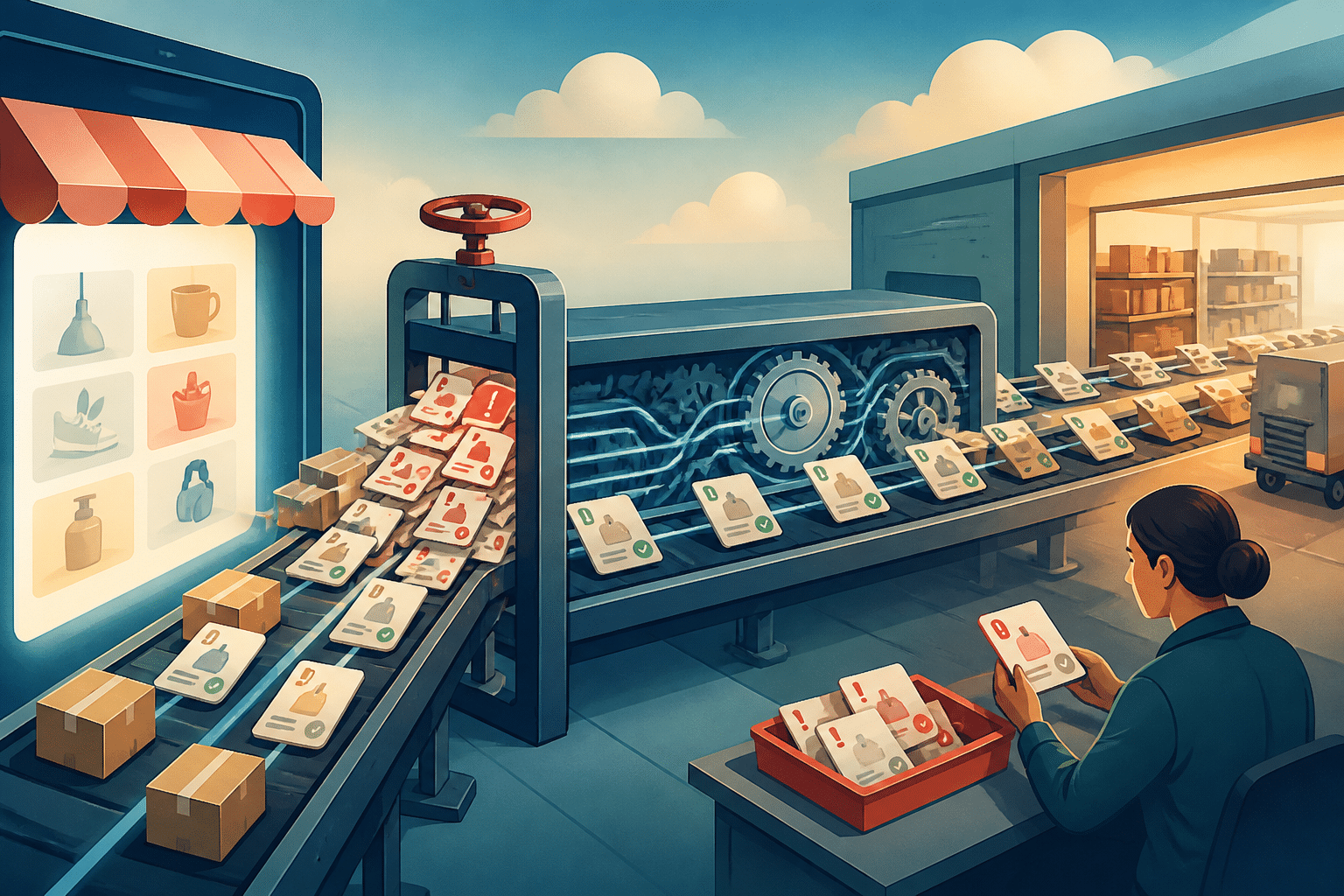
The portal accepts the order, but the ERP or warehouse indicates that those units have already been reserved through another channel. Phantom inventory occurs when systems fail to distinguish which goods are available, committed, or ready for shipment. To prevent it, align stock and reservations before confirming the sale. The operational question is what should happen between reservation, confirmation, and shipment. This way, the portal promises only what the company can deliver.
Phantom inventory puts margins and service levels at risk
When two channels offer the same unit, the discrepancy becomes a commercial and financial problem. The team may have to cancel line items, look for product in another warehouse, or correct the order manually. Depending on the situation, it may also lead to credit memos, rework, complaints, or payment holds by corporate customers. These are possible impacts of an unfulfilled promise, not automatic consequences of every discrepancy.
Incorrect availability also harms service levels and takes time away from sales, administration, and warehouse teams. The team usually resolves the issue with calls and adjustments, but that intervention does not fix the cause. The systems continue to use different statuses. The cost shows up in repeated tasks, potentially lost margin, and reduced customer trust. That is why you should measure the error rate and track how incidents affect orders and deliveries.
Define which quantity is truly available for sale
Physical inventory is only part of the calculation. To publish a sellable quantity, the system must account for committed orders, active reservations, and warehouse-specific shipping rules. It must also account for units of measure. A case, a pack, and an individual item are not equivalent if the catalog and ERP use different conversion rules. If the portal interprets that relationship incorrectly, it may offer more product than the warehouse can fulfill.
Simultaneous reservations require special attention. If two customers try to buy the last units at the same time, both channels may read the same availability before their orders are recorded. To reduce this risk, validate and record the reservation in a coordinated way. Then communicate the outcome before presenting the order as confirmed. If the operation cannot confirm the reservation at that time, show a pending status. Do not turn a stock inquiry into a delivery promise.
Availability also depends on shipping rules. A warehouse may have physical units that are not eligible for the selected area, route, or delivery method. Therefore, showing the company’s total stock does not always represent what a customer can receive. The quantity shown should reflect the product, warehouse, unit of measure, reservation, and applicable logistics requirements.
Apply the NEXO Method to the complete inventory cycle
Diagnosis: Find where statuses diverge
Compare what the portal, ERP, and warehouse show at each stage of the order. It is not enough to review the published quantity: identify when a unit is deducted, when it is reserved, and which event releases it. Include counter sales and other channels, as well as warehouse rules and unit conversions. This will help you distinguish an update delay from a problem with commitment or shipping rules.
In-depth investigation: Track the reservation through to release
Next, reconstruct the reservation, confirmation, cancellation, and shipping cycle. Check what happens when a payment is not completed, an order is modified, or a reservation expires. Also check whether cancellation releases the units in every system and whether integration retries can duplicate transactions. The goal is to know the actual status of each unit and who can sell it at any given time.
Action plan: Define what availability means
Once you understand the workflow, establish shared rules for the portal and ERP. Define which warehouses can fulfill each order, which reservations reduce availability, and when a unit is released. This prevents each channel from calculating stock using different criteria. Real-time synchronization must transmit status changes and confirm reservations. It should not simply copy quantities at intervals.
Execution: Validate the workflow before expanding digital sales
Test concurrency, cancellations, conversions, and warehouse selection scenarios with the team that handles orders. Then monitor the error rate, availability incidents, and service levels. These metrics help detect discrepancies and measure their operational impact. If an event fails, it should be possible to identify it and recover the process without waiting for someone to discover the problem while preparing the order.
Operational autonomy does not mean eliminating staff expertise. It means ensuring their work does not depend on manually reconciling data. Your goal is not to publish more stock, but to synchronize the correct status of each unit and make clear who can sell it. Start with strategic accounts and identify points where an inconsistent reservation could disrupt their supply. Protecting this workflow safeguards operational continuity and prevents a digital promise from contradicting what the company can ship.